How to Use Claude Opus for Free with Agent Router and Claude Code
Learn how to use Claude Opus for free in your terminal by connecting Agent Router's free API credits to Claude Code. Step-by-step guide for Windows, macOS, and Linux.
By Abhijit
Home
Learn how to use Claude Opus for free in your terminal by connecting Agent Router's free API credits to Claude Code. Step-by-step guide for Windows, macOS, and Linux.
By Abhijit
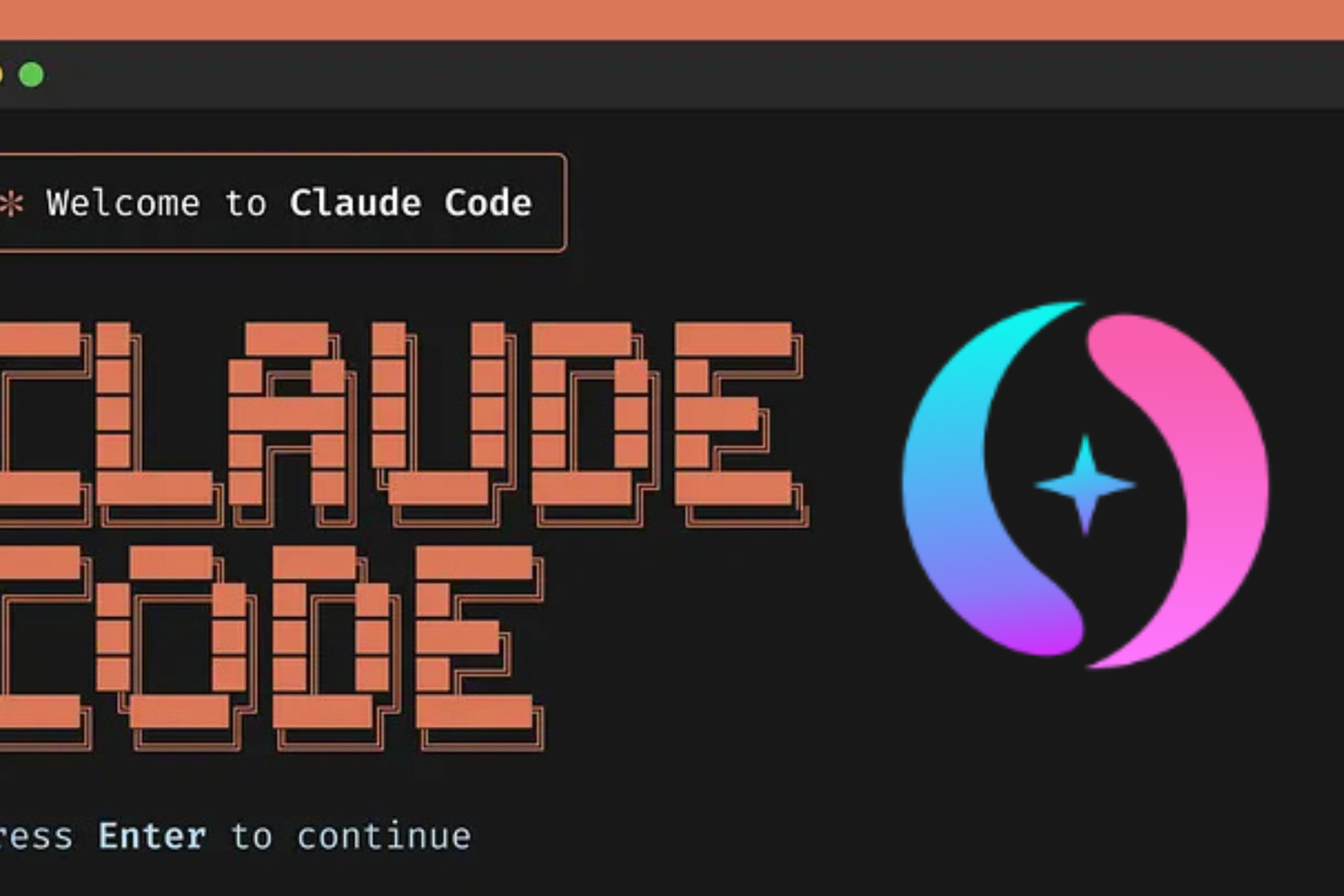
By the end of this guide, you will have Claude Code installed on your machine, connected to Agent Router's free daily API credits, and running Claude Opus-level responses directly inside your terminal — without entering a single payment detail.
I have been running Claude Code this way for a while now, and the setup takes less than ten minutes. Most developers I talk to still do not know this is possible. The idea that you need a paid Anthropic account to run Claude from the command line is simply not true anymore. Agent Router changes that entirely.
You do not need much. But get these in place before you touch anything else.
Node.js version 18 or higher — Claude Code is an npm package and requires a modern Node runtime. Run node --version in your terminal to confirm. If you are below 18, update via nodejs.org or nvm.
An internet connection and a GitHub account — Agent Router uses GitHub for sign-in, so no new password to remember. This is also the only account creation step in the entire process.
A terminal you are comfortable in — Windows PowerShell, macOS Terminal, or any Linux shell all work. The commands differ slightly by OS and I cover each one.
That is it. No credit card. No Anthropic billing setup. No API key from Anthropic directly.
Claude Code is Anthropic's official command-line coding assistant. It reads your files, understands your codebase, and responds to natural language instructions in the terminal. Install it globally with a single npm command.
bash
npm install -g @anthropic-ai/claude-code
Once the installation finishes, confirm it worked:
bash
claude --version
You should see a version number printed in your terminal. If you see a "command not found" error instead, check that your npm global bin directory is on your system PATH. On macOS and Linux, running npm bin -g tells you the path — add it to your ~/.bashrc or ~/.zshrc.
Why this step matters — Claude Code is the interface. It is the tool you will actually use every day. Agent Router is the backend that powers it for free. You need both in place, and Claude Code has to come first.
This is where you unlock free access. Agent Router is a unified API proxy that connects you to multiple AI models — including Claude-compatible endpoints — through a single key and base URL. When you sign up, you receive free credits immediately. You also get a small daily credit refill every time you log in.
Go to agentrouter.org and click Sign In with GitHub. The process takes about 30 seconds.
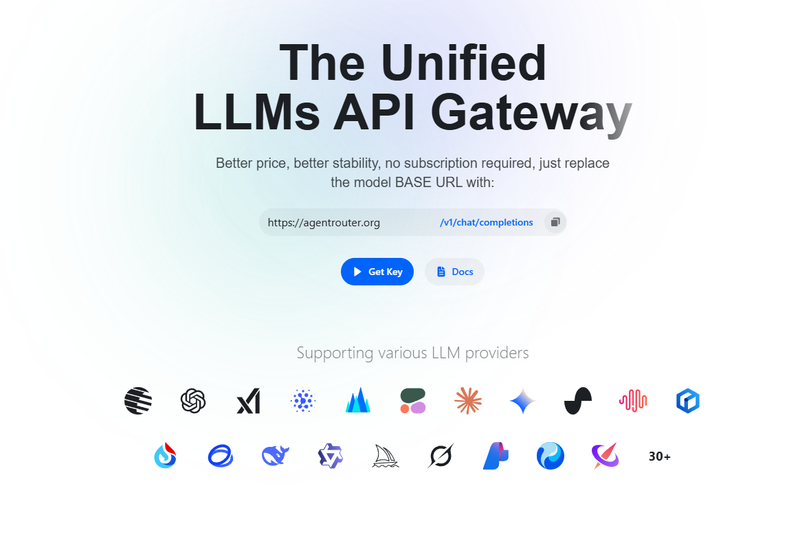
Once you are inside the dashboard, navigate to the API Keys or Console section. Generate a new key. It will look something like sk-ar-xxxxxxxxxxxxxxxxxxxx. Copy it somewhere safe — you will use it in the next step.
The free credits Agent Router gives you are not massive, but they are more than enough for real coding sessions. Debugging a function, refactoring a module, explaining a complex block of code — these tasks use credits efficiently. You are not going to burn through your daily allowance on a normal working session.
One thing to note — Agent Router works as a proxy, meaning your API calls go through their infrastructure before reaching the underlying model. This is standard practice with API routers and gateways. Never hardcode your API key in a public repository. I will cover this properly in the mistakes section.
This is the step most guides get wrong. They say "set your base URL" and move on. That is not enough. Here are the exact commands for every major OS.
Claude Code respects two environment variables: ANTHROPIC_BASE_URL and ANTHROPIC_API_KEY. By setting these to point at Agent Router instead of Anthropic directly, Claude Code routes all its calls through Agent Router's free credit system. That is the entire mechanism. Two variables. That is all.
macOS and Linux (Terminal)
bash
export ANTHROPIC_BASE_URL=https://agentrouter.org/ export ANTHROPIC_API_KEY=sk-ar-your-key-here
Windows (PowerShell)
powershell
$env:ANTHROPIC_BASE_URL="https://agentrouter.org/" $env:ANTHROPIC_API_KEY="sk-ar-your-key-here"
Use the exact base URL above including the trailing slash. https://agentrouter.org/ is the value that works. Some users try https://api.agentrouter.org or forget the slash at the end — both cause connection errors and a frustrating 20-minute debugging session.
Important — these commands set the variables for your current terminal session only. Close the terminal and they disappear. The next step makes them permanent.
Session-only environment variables are fine for testing. For real daily use, you want these set permanently so Claude Code works every time you open a terminal without re-running export commands.
macOS and Linux
Open your shell configuration file. If you use bash, that is ~/.bashrc. If you use zsh (default on modern Macs), that is ~/.zshrc. Add these two lines at the bottom:
bash
export ANTHROPIC_BASE_URL=https://agentrouter.org/ export ANTHROPIC_API_KEY=sk-ar-your-key-here
Save the file and reload it:
bash
source ~/.zshrc # or source ~/.bashrc
Windows
In PowerShell, use the [System.Environment]::SetEnvironmentVariable method to write to the user scope:
powershell
[System.Environment]::SetEnvironmentVariable("ANTHROPIC_BASE_URL","https://agentrouter.org/","User") [System.Environment]::SetEnvironmentVariable("ANTHROPIC_API_KEY","sk-ar-your-key-here","User")
Restart PowerShell after running these. The variables will now survive reboots.
Alternatively on Windows, search for "Edit the system environment variables" in the Start menu, open Environment Variables, and add them under User Variables manually with the same values.
Navigate to a project folder on your machine — any folder with code in it.
bash
cd your-project-folder
claude
Claude Code will launch in your terminal. Type a simple request to confirm the connection is live:
Explain what this project does based on the files in this folder.
If Agent Router is connected correctly, you will get a response within a few seconds drawing on your project's actual files. That is Claude — powered by Agent Router's free credits — running as a real coding assistant inside your own codebase.
Check your Agent Router dashboard after your first session to see credits consumed. This helps you understand your usage pattern and avoid surprises at the end of the day.
Mistake 1 — Forgetting the trailing slash in the base URL
https://agentrouter.org and https://agentrouter.org/ are not the same thing to an HTTP client. The missing slash causes routing errors that look like connection failures. Always include the slash.
Mistake 2 — Setting variables for the current session and wondering why it stopped working after a reboot
This catches almost everyone the first time. If Claude Code suddenly throws authentication errors after you close and reopen your terminal, this is the cause. Go back to Step 4 and make the variables permanent.
Mistake 3 — Committing your API key to GitHub
Your Agent Router key is tied to your account and your free credits. If it ends up in a public repository, someone else will use those credits. Add a .env file to store your key locally, add .env to your .gitignore, and never paste the key directly into any file that might get committed.
Mistake 4 — Running Claude Code outside a project folder
Claude Code is designed to work inside a directory with files it can read. Running it from your home directory or a random empty folder produces weaker, more generic responses. Always navigate into your actual project before launching.
Mistake 5 — Expecting unlimited usage from free credits
Agent Router's free tier is genuinely useful for daily coding tasks. It is not designed for bulk processing or running hundreds of large prompts back to back. Use it for what it is built for — understanding code, writing functions, debugging logic — and the daily credits will serve you well.
Is using Agent Router with Claude Code allowed?
Agent Router is a legitimate API proxy service, not a workaround or exploit. It purchases API access and resells it through a unified endpoint. Using a third-party API gateway with Claude Code is straightforwardly permitted and is how many developers and teams manage multi-provider AI setups.
Which Claude model does Agent Router give me access to?
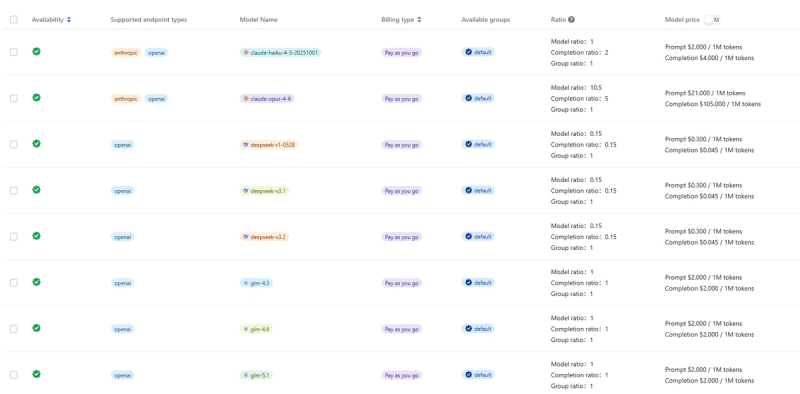
This depends on what Agent Router exposes through their endpoint and may change as their model catalogue updates. Check the Agent Router dashboard or documentation for the current list of available models. Claude-compatible models at the Opus tier are typically available — confirm the exact model string in your dashboard.
Why is Claude Code not responding after I set the variables?
The three most common causes are: the trailing slash is missing from the base URL, the environment variables were set in a different terminal session than the one you are using now, or the API key was copied incorrectly. Check all three in that order before anything else.
Do I need to pay anything to Agent Router to get started?
No. You create an account, receive free credits, and start using Claude Code immediately. A card is only needed if you choose to purchase additional credits beyond the free daily allowance.
Can I use this on Windows Subsystem for Linux (WSL)?
Yes. Treat WSL like a standard Linux environment. Use the export commands from the macOS and Linux section and add them to your ~/.bashrc or ~/.zshrc inside WSL. It works the same way.
The mental model that unlocks all of this is simple. Claude Code talks to whatever URL you point it at using ANTHROPIC_BASE_URL. Agent Router provides a URL that routes your calls through their free credit system. Change two environment variables, and your terminal gains a capable AI coding assistant at zero cost.
The most important thing to remember from this guide: include the trailing slash in your base URL and make your environment variables permanent using Step 4. Everything else follows naturally from those two actions.
If this guide saved you time, The Gridpulse Brief does the same every Sunday.
Free forever. One click to unsubscribe anytime.
Subscribe to The Gridpulse Brief.
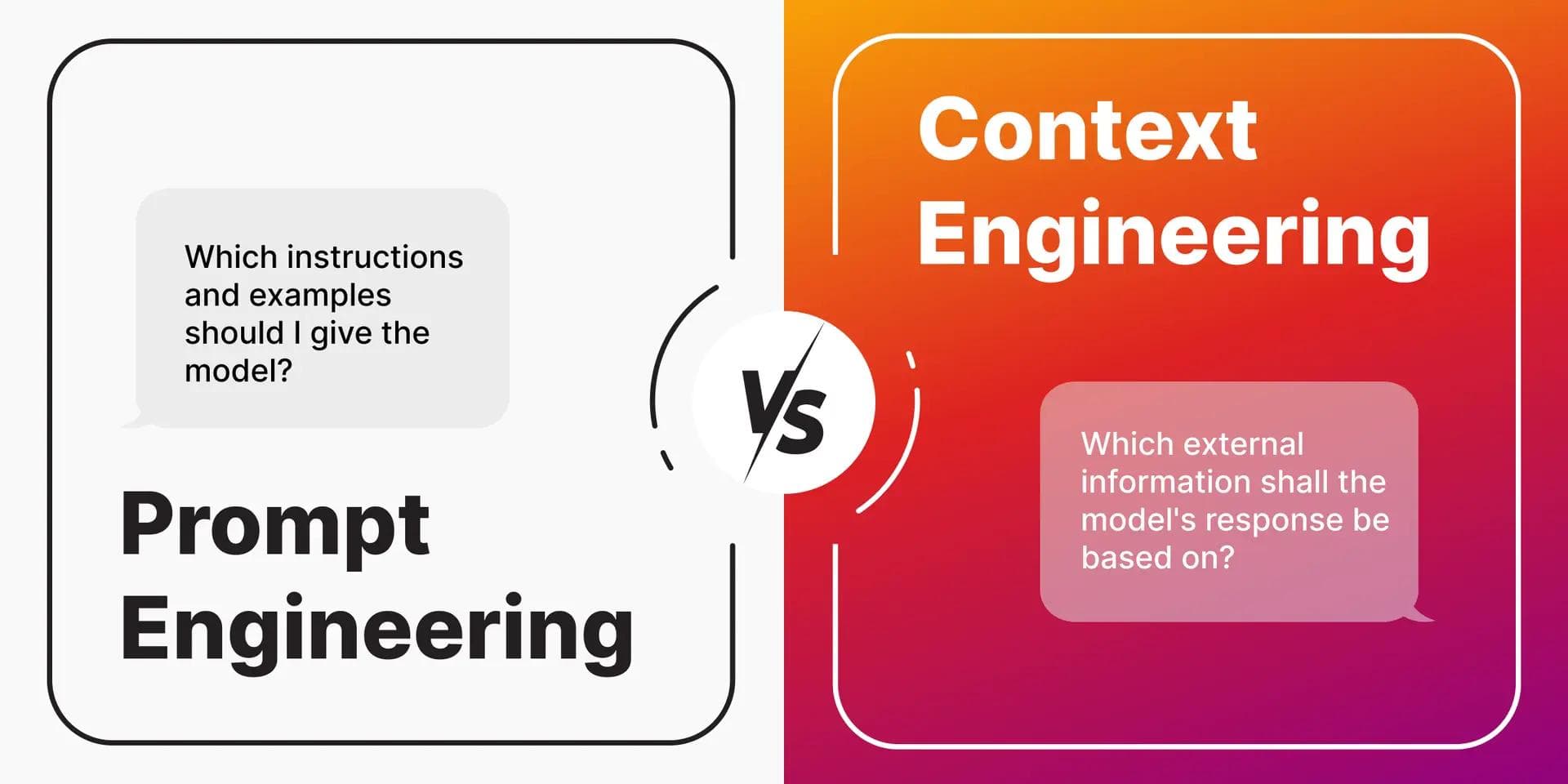
Learn what prompt engineering really is in 2025—from zero-shot basics to context engineering and RAG. A practical beginner's guide that goes beyond "magic phrases" into systems that actually work.

Vibe coded your app but can't make money from it? Add these 5 reliability layers — auth, errors, state, deploy, tests — before your first paying customer arrives.

Kimi K2.6 beat GPT-5.5 in a viral coding contest. Here is what the benchmarks, pricing, and real agent data actually say about which model wins for your workflow.

A UX audit finds what's actually breaking your product's user experience. Here's how it works, what it costs, and why Indian startups need one now.

The 6 AI sectors generating real revenue for entrepreneurs in 2026 — healthcare, fintech, e-commerce, edtech, legal, and marketing automation explained with Indian angle.
Learn how to use AI to analyze your stock portfolio in 2026 — free tools, ChatGPT prompts, and a step-by-step guide built for investors.
Get weekly curations of the best articles, resources, and insights directly to your inbox about AI, Tech, Finance & Business.